As an Amazon Associate, we earn from qualifying purchases. Some links on this site are affiliate links at no extra cost to you. Our recommendations are based on thorough research and editorial judgment.

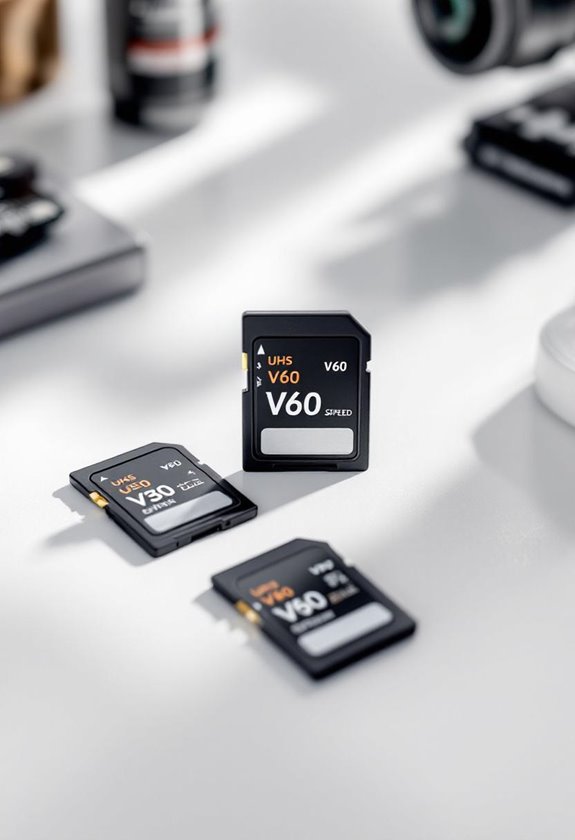
SD Card Classes Explained for 4K Video (UHS, V30/V60/V90)

When capturing 4K video, understanding SD card classes is vital for peak performance. UHS (Ultra High Speed) ratings, specifically U1 and U3, indicate minimum write speeds, with U3 providing at least 30 MB/s, important for smooth 4K recording. Video Speed Classes, such as V30, V60, and V90, emphasize sustained write speeds, guaranteeing reliable performance under demanding conditions. Selecting cards with V30 or higher guarantees professional quality recording without interruptions, guiding you to make informed choices effectively.
Key Takeaways
- UHS Speed Classes (U1 and U3) determine minimum write speeds, with U3 cards essential for 4K video recording at 30 MB/s.
- Video Speed Class ratings (V30, V60, V90) focus on sustained write speeds, crucial for smooth video recording during high-demand scenarios.
- V30 cards are recommended for standard 4K video, while V60 and V90 are ideal for high-frame-rate and 8K video projects.
- Always check camera compatibility with UHS and Video Speed Classes to ensure optimal performance and avoid recording issues.
- Regularly maintain SD cards by checking free space and avoiding fragmentation to enhance longevity and reliability in video recordings.
Understanding UHS Speed Classes for 4K Video
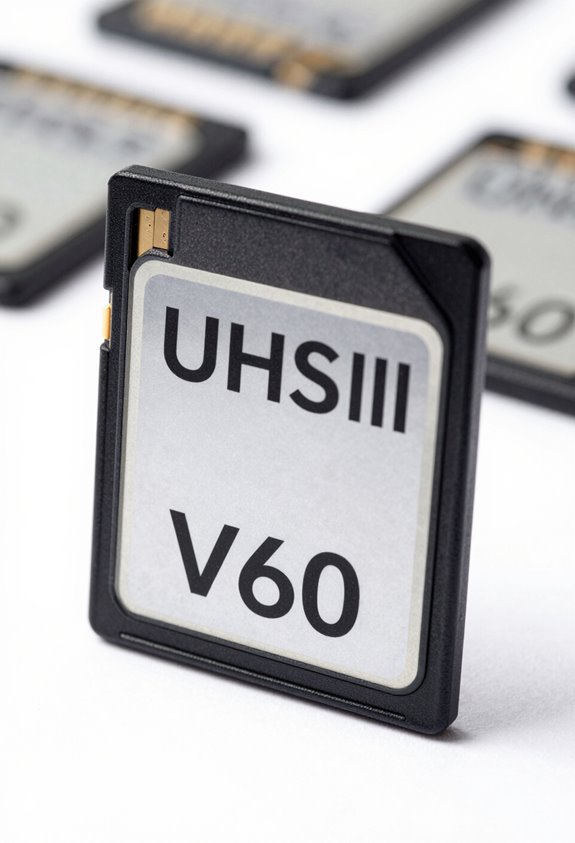
When you’re getting ready to record high-quality 4K video, it’s super important to understand UHS (Ultra High Speed) speed classes. These ratings, especially U1 and U3, tell you the minimum write speed your memory card can handle. For instance, U3 cards guarantee at least 30 MB/s, which is crucial for capturing those sharp, high-resolution videos without any annoying dropped frames.
Now, if you’re aiming for top-notch performance, especially when shooting at high frame rates, consider UHS-II cards. They can transfer data at speeds of up to 312 MB/s, nearly triple that of UHS-I cards, which top out at 104 MB/s. For example, if you’re filming a fast-paced action scene, a UHS-II card can really make a difference in ensuring smooth playback. Just keep in mind to check your camera specs to ensure it’s compatible with the UHS-rated card you choose, so you can focus on recording those stunning shots without worries.
Additionally, ensuring your camera supports features like dual SD card slots can help manage storage efficiently during long 4K recording sessions.
Once you’ve got your memory card sorted, the next step is to think about your filming settings.
Recommended Products
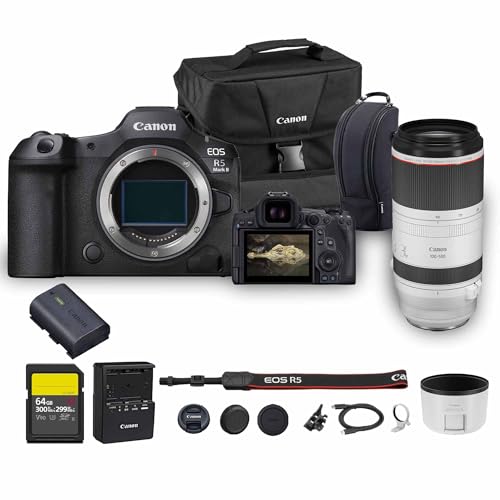
Canon USA Authorized. Items Include: Canon EOS R5 Mark II Mirrorless Camera | 45MP Full Frame Sensor 8K Video Recording, Canon RF 100-500mm f/4.5-7.1L IS USM Lens, 64GB SF-G TOUGH Series UHS-II SDXC Memory Card, Canon EOS 200ES Shoulder Bag

18” UHD+ 4K 200Hz DISPLAY — Enjoy ultra-sharp 4K quality for creative work and high refresh rates for silky-smooth gameplay, backed by 100% DCI-P3 color accuracy that’s Calman Verified for the most lifelike visual

This Canon Camera Bundle comes with a 1-Year Canon Manufacturer Warranty.
Why V30, V60, and V90 Ratings Matter for Seamless Recording
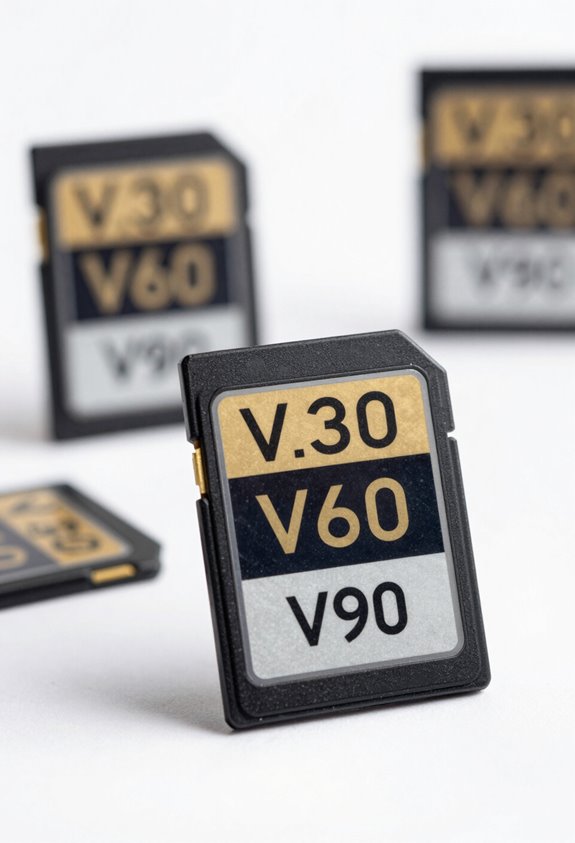
If you’re serious about recording in 4K or even higher, understanding V30, V60, and V90 ratings is super important. Think of these ratings as a guarantee that your memory card will keep up with the demands of video recording. For instance, V30 cards have a minimum write speed of 30MB/s. This means they can handle 4K video at 30 frames per second without dropping any frames—crucial for those moments you want to capture smoothly!
If you’re looking to record high-frame-rate 4K video or doing multi-stream recordings, you’ll want to check out V60 cards. They write at a minimum speed of 60MB/s, which gives you the speed you need for more demanding tasks. Picture capturing fast-moving action scenes—without a card that can keep up, you might end up missing out on key moments.
Then you have V90 cards, which are the heavyweights, boasting a minimum sustained speed of 90MB/s. These are perfect if you’re working with 8K video or high-bitrate codecs. So, if you want to make sure you’re capturing every detail without hiccups, V90 is the way to go.
Ultimately, these ratings can really help you avoid the frustration of dropped frames and ensure a smooth recording process, whether you’re an enthusiastic hobbyist or a professional looking to create top-notch content. So now that you know what to look for in a card, let’s explore some fantastic ways to enhance your video shoots! A reliable SD card with dual SD slots can also provide extended storage and backup options to boost your filming workflow.
Recommended Products

INCLUDED: Fujifilm X-T5 Mirrorless Camera Body (Silver) | Battery | AC Adapter | Plug Adapter | USB Cable | Headphone Adapter | Shoulder Strap | Body Cap | Hot Shoe Cover | Sync Terminal Cover | Fujifilm 1-Year Limited Warranty | PLUS: 128GB SDXC Memory Card | Extra Battery | Complete Cleaning Kit

PRO-LEVEL WRITE SPEEDS. Up to 305MB/s (2) write speed helps clear your camera’s buffer fast [512GB–2TB capacities (1)].

How to Select the Right SD Card for 4K Video
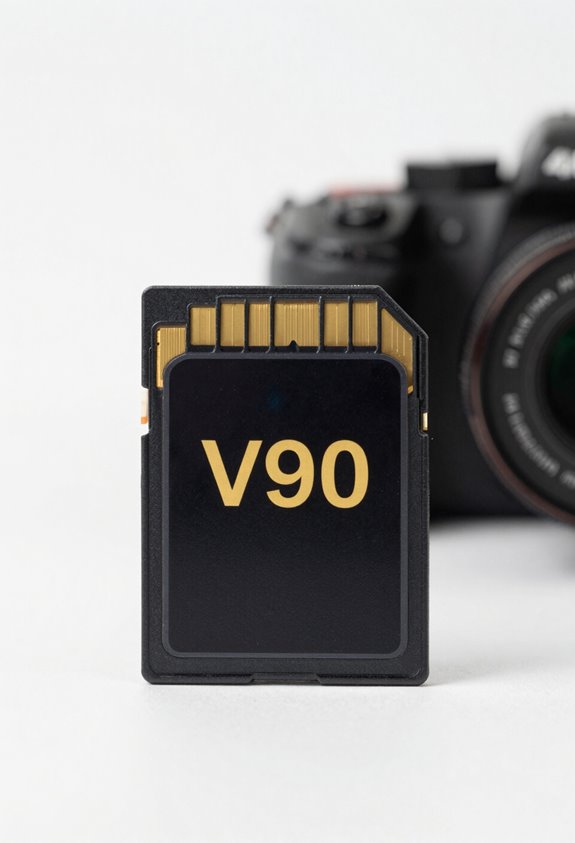
Choosing the right SD card for 4K video recording can feel a bit overwhelming, but it’s super important to get it right for the best results. Start by looking for cards that have a Video Speed Class of V30 or higher. This means the card offers at least a 30 MB/s write speed, which is crucial for capturing smooth video. If you’re aiming for higher-quality 4K videos, consider V60 or V90 cards; these provide write speeds of 60 MB/s and 90 MB/s respectively, perfect for high-frame-rate footage, like action scenes or fast-paced events.
It’s also a good idea to check the UHS Speed Class, especially U3, to ensure your recording doesn’t hit any snags. Take a moment to look at your camera or device’s specifications, too. This way, you can pick an SD card that matches its maximum speed class, ensuring you get every bit of quality out of your recordings. With the right SD card in hand, you’ll be ready to capture stunning 4K video like a pro! Want to know what else to keep in mind when shooting with high-resolution video? Let’s explore that next. Additionally, ensuring your recording setup includes a high-resolution display can help you review footage clearly and make real-time adjustments.
Recommended Products

Turn Your Passion Into Profit – Calling all Vloggers, Influencers, Filmmakers, Photographers & Videographers: become an instant pro by adding our professional line of SD cards to your kit. Focus on curating the finest content for your clients/audience while our SDXC cards do the backend heavy lifting of storing and uploading your work efficiently every time.

EXPAND STORAGE - Offering a substantial 1TB capacity, this Lexar SDXC card provides ample space for high-resolution photos, 4K UHD video, and large files, ensuring you never miss a critical shot or memory.

SDXC UHS2 V60 Max write 150MB/s Max read 280MB/s 2Pack
UHS vs. Video Speed Classes: Key Differences Explained
Hey there! So, if you’ve ever wondered about the differences between UHS and Video Speed Classes for SD cards, you’re not alone! Both of these classifications really shape how well your SD card performs, especially when you’re recording video.
Let’s break it down. UHS, which stands for Ultra High Speed, includes classes like U1 and U3. These grades are all about ensuring that your card can handle sustained write speeds—like when you’re capturing that stunning sunset in high resolution. For example, a U3 card is essential if you’re shooting in 4K, as it guarantees a minimum write speed that keeps up with those high-demand tasks.
On the flip side, we have Video Speed Classes, such as V30, V60, and V90. These guys focus specifically on the minimum write speeds needed for seamless video recording. A V30 card, for instance, gives you at least 30 MB/s, which is just right for recording 4K videos without any hiccups. If you’re planning to shoot at higher resolutions, like 8K or at high frame rates, a V60 or V90 card becomes crucial.
Ultimately, knowing these differences really helps you choose the right SD card for your needs. If you’re serious about video recording, prioritize its Video Speed Class to keep your footage smooth and free from interruptions—especially in professional settings where every frame counts. Now, let’s talk about how you can pair your SD card with the right camera gear for the best results!
Choosing camcorders with advanced image stabilization also ensures your footage stays steady and smooth, complementing the high write speeds of quality SD cards.
Recommended Products
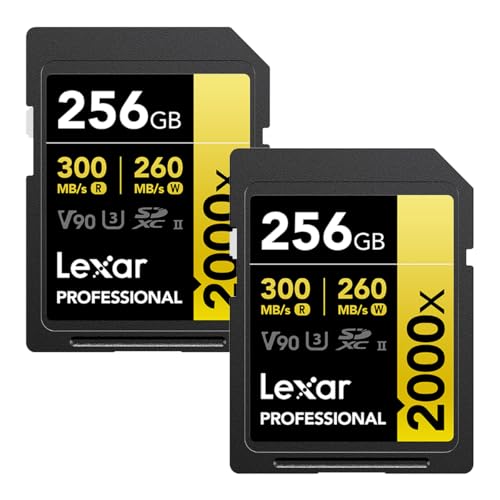
ULTRA-FAST PERFORMANCE - Achieve read speeds of up to 300MB/s and write speeds of up to 260MB/s, ensuring rapid data transfer and efficient workflow for professionals.

Write speeds of up to 260MB/s to capture high-quality images and extended lengths of Full-HD and cinema-quality 8K video

Up to 300MB/s[2] write speeds help ensure your camera's buffer clears fast so you capture every remarkable shot.
What Are the Best SD Cards for 4K Video?
If you’re looking to capture some stunning 4K video, the choice of SD card is super important. The right card can make your recording experience much smoother, ensuring you don’t run into playback interruptions. A good rule of thumb is to go for a card with a Video Speed Class of V30 or U3. Both of these have a consistent write speed of at least 30 MB/s, which is crucial for avoiding those annoying buffering moments.
If you’re planning on creating high-frame-rate 4K video, check out V60 cards. They offer a solid minimum write speed of 60 MB/s, perfect for capturing that smooth action. For those ambitious projects in 8K or other high-resolution formats, you’ll need V90 cards, which pack an impressive 90 MB/s write speed.
Remember to consider the card’s storage as well. Most V30, V60, and V90 SD cards fall between 64GB to 512GB, giving you plenty of space for lengthy recordings. So whether you’re shooting a lively family gathering or a breathtaking nature documentary, you’ll have just the right capacity. Many professional camcorders also feature dual SD card slots for extended recording and seamless media management.
Now that you have the right gear sorted, let’s talk about the best cameras for capturing that stunning video.
Recommended Products

Lexar Professional SDHC / SDXC 1667x UHS-II 256GB Memory Card

High-Speed Performance: Achieve blazing-fast data transfer rates with read speeds up to 280MB/s and write speeds up to 150MB/s, ideal for capturing cinema-quality 8K and 4K UHD video, as well as rapid-fire RAW burst shots.

Cost-effective, highest quality memory card for most common photo and up to 4K video capture uses
Ensuring Device Compatibility: Common Pitfalls to Avoid
Hey there! If you’re looking to record 4K video, making sure you have the right device compatibility is super important. You wouldn’t want to face issues like dropped frames or missed recordings due to a poor SD card choice, right? Always check your camera or device’s specifications to confirm it supports the necessary SD card class. For instance, many cameras perform best with UHS-I or UHS-II cards, so going for a lower speed class might slow things down when you’re trying to capture those high-demand moments.
Also, keep in mind that just because an SD card fits physically, it doesn’t mean it will work well with your device. The speed class matters significantly! Plus, don’t forget about formatting—make sure your card is formatted properly to match your device’s needs. For example, if you’re using an SDHC card, it should be FAT32, while an SDXC card should be exFAT to handle larger file sizes efficiently. This way, you’ll avoid any pesky file size issues when you’re out there recording.
All these small checks can make a huge difference in your recording experience. Next, let’s look at how to maintain your SD card for optimal performance—because taking care of your gear is just as important as picking the right one! Additionally, paying attention to the material quality of your equipment ensures durability and consistent performance.
Boosting Your 4K Workflow: Practical Performance Tips
When it comes to boosting your 4K video recording setup, you’ve got to consider more than just the SD card you choose. It’s all about smart strategies that can really streamline your workflow. To keep things running smoothly, aim for SD cards with at least a V30 rating. This means they can write data at a minimum speed of 30 MB/s, which is crucial for capturing high-quality video without interruptions.
Now, if you’re shooting high-frame-rate content or working on professional projects, you’ll want to step it up with V60 cards. These have a minimum write speed of 60 MB/s, making them ideal for handling high-bitrate footage. For instance, if you’re shooting 4K at a rapid frame rate, opting for V60 could save you from potential headaches later on.
Another tip is to consider using UHS-II SD cards, which can reach speeds up to 312 MB/s when used with compatible devices, speeding up your data transfer process significantly. And don’t forget to keep an eye on your card’s free space and try to avoid fragmentation—this simple practice can greatly enhance your overall efficiency in editing. And speaking of editing, let’s talk about how to optimize your editing software to match your 4K needs. Additionally, integrating a reliable HDMI to SDI converter can ensure high-quality video signal transmission for professional 4K workflows.
Frequently Asked Questions
Is V60 or V90 Better for 4K Video?
When it comes to 4K video, we recommend V90 cards for better write speeds, buffer performance, and future proofing. While they may cost more, their durability and compatibility with high bitrate requirements make them worth it.
What Class SD Card for 4K Video?
Choosing an SD card for 4K video’s like selecting the right paintbrush for art. We need a card with high speed, reliable brands, ample storage, and great performance to avoid buffering, ensuring stunning playback for our creative projects.
What Is the Difference Between V30 and V60 and V90 SD Cards?
When we compare V30, V60, and V90 SD cards, we see differences in speed, recording bitrate, and price. V60 and V90 are better for high-resolution video formats, while reliability and heat resistance vary by brand.
Is V30 Better Than V60 for 4K Video?
While V30 offers a budget-friendly option for 4K recording, V60 provides better video quality with enhanced data transfer speeds. For longevity and camera compatibility, we should consider V60 despite the pricing comparison.


