As an Amazon Associate, we earn from qualifying purchases. Some links on this site are affiliate links at no extra cost to you. Our recommendations are based on thorough research and editorial judgment.


Picture Profiles Explained: Flat Vs Standard Looks (Without Brand Hype)

Picture profiles are essential for shaping our images by influencing sharpness, color, contrast, and saturation. Standard profiles offer vibrant colors and good contrast, ideal for real-time shooting situations, while flat profiles provide a neutral base that excels in post-processing. Flat profiles enhance dynamic range for detail recovery in highlights and shadows, making them perfect for RAW formats. Understanding these differences helps us achieve our desired aesthetic and can improve our photographic workflow, and there’s more to explore on this topic.
Key Takeaways
- Picture profiles shape photo aesthetics by influencing sharpness, color, contrast, and saturation, impacting the final image outcome.
- Standard profiles deliver vibrant colors and strong contrast, ideal for quick results with minimal post-editing required.
- Flat profiles emphasize flexibility in post-processing, preserving detail in highlights and shadows for extensive color grading opportunities.
- Using a flat profile can enhance dynamic range, allowing photographers to control exposure and detail retrieval in post-editing.
- Consistent use of picture profiles aids in achieving cohesive visual styles across images, enhancing the overall photography workflow.
What Are Picture Profiles and Why Do They Matter?
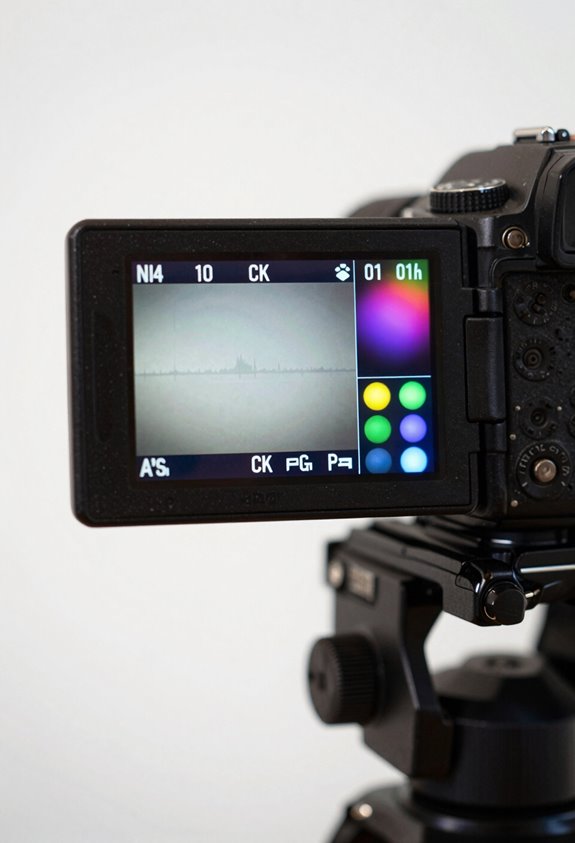
Hey there! So, let’s chat about picture profiles. They’re basically presets built into your camera that really shape how your photos look, and understanding them can be a game changer in your photography. Picture profiles affect things like sharpness, color, contrast, and saturation in both JPEG and RAW files.
For example, if you’re shooting in a Flat profile, it’s like taking a step back—this setting tones down the contrast and saturation. Why would you want that? Well, if you shoot RAW, it gives you a lot of room to play around in post-processing. You can adjust your exposure confidently because you have a wider dynamic range to work with.
Think about it this way: if you’re planning to edit your photos a lot, starting with a Flat profile means you can easily tweak the colors and tones to get just the right look. Ultimately, choosing the right picture profile helps everything look consistent—this is super helpful when you’re working in tricky lighting situations or trying to tell a specific visual story. Now, let’s look at how these profiles can impact your editing process! Modern vlogging cameras often include advanced stabilization technology that preserves video quality by minimizing motion blur, which can similarly be essential for video profiles.
Exploring Standard Picture Profiles: When to Use Them
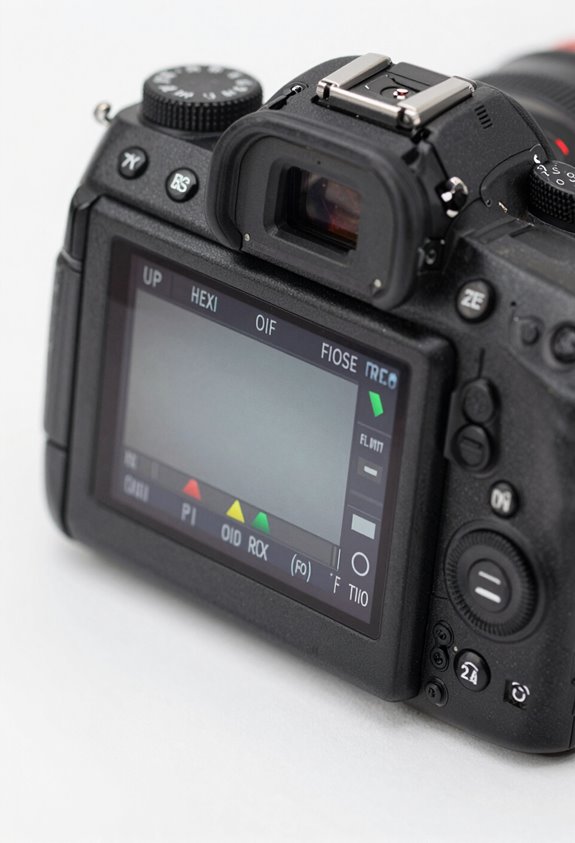
Hey there! Let’s chat about standard picture profiles and when it’s a good idea to use them in your photography. Think of these profiles as your go-to recipe for capturing vibrant colors and great contrast, especially in those everyday shots, like family gatherings or birthday parties. They really shine in fast-paced situations where you need to snap quick photos without losing quality.
For instance, if you’re at a wedding and everyone is dancing, using a standard picture profile allows you to keep your shutter speed up, so you won’t miss those joyful moments. Plus, if you’re shooting in JPEG, this profile helps you achieve nice-looking images straight out of the camera, thanks to its built-in sharpening and saturation. Even if you prefer shooting in RAW, starting with a standard profile can give you a solid foundation for editing later on.
In short, standard picture profiles make your life easier by streamlining your workflow and ensuring that your photos look great with minimal fuss. So, next time you find yourself at a bustling event, consider reaching for one of these profiles – it just might make capturing those memories a little smoother! Additionally, choosing a camera with good image stabilization can significantly improve the quality of your handheld shots in such scenarios.
How to Choose Between Flat and Standard Picture Profiles?
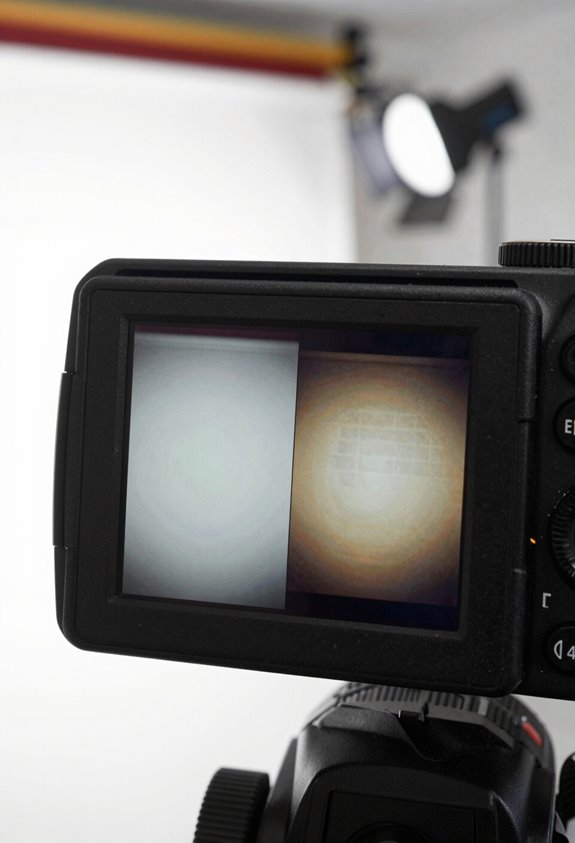
Hey there! So, when it comes to photography, one of the key decisions you’ll make is choosing the right picture profile—flat or standard. Think of flat profiles as your blank canvas; they’re super flexible for post-editing. If you plan to tweak your photos a lot later, flat profiles are great because they keep details in both the bright and dark areas. For example, if you’re shooting in a high-contrast scene with bright sunlight and deep shadows, a flat profile can help you pull out more detail without losing that crucial information.
On the other hand, standard profiles are perfect for when you want everything to look vibrant right off the bat. If you’re at a family gathering or a birthday party, standard profiles can capture the colors and contrasts just as you see them, making those moments pop in photos without needing much editing. Both profiles have their strengths, but your choice really comes down to how you plan to use the images and the conditions you’re shooting in.
As you think about which profile to go with, consider your final output—whether it’s a polished print or a quick social media post—this can guide your decision. It’s all about matching your tools to your creative vision! Additionally, using cameras equipped with advanced CMOS image sensors can significantly improve clarity and color accuracy, which complements the choice of picture profile.
Benefits of Flat Profiles for RAW Shooting
Hey there! Let’s chat about why using a flat picture profile can really enhance your RAW shooting experience. When you shoot in RAW with a flat profile, you’ll notice that it gives you more flexibility in post-processing. By toning down contrast and saturation, you open up your images to a wider dynamic range, which is super handy when you’re tweaking your shots later on.
For instance, when you check your histogram after taking a photo, a flat profile can help you see exactly where your exposure falls—making it easier to avoid losing those crucial highlight and shadow details. Even though the photos might look a bit dull straight out of the camera, they actually set you up for success when it comes time to edit. You’re working with a neutral base that will better accommodate your color grading choices. Using equipment with advanced stabilization technology can further ensure your shots remain smooth and sharp, maximizing the benefits of a flat profile in RAW.
How Do Picture Profiles Affect Post-Processing?
Hey! So, let’s chat about how picture profiles can really affect your post-processing. When you’re taking photos, the picture style you choose actually sets the stage for what your images will look like in the editing process. For instance, if you shoot in a flat picture profile, you’re capturing more detail in the shadows and highlights. This means that when you actually get to editing, you have a lot more wiggle room to make adjustments without losing quality.
Now, if you go with a standard profile, you’ll likely see nice, vibrant colors right away—perfect for those quick edits—but it might not give you as much flexibility later on. Imagine you shot a landscape and want those glorious sunset hues to pop. Using a flat profile would allow you to really enhance those colors in post, while a standard style could box you into what you already have.
Also, keeping your picture profile consistent across a series of shots really helps when you’re grading colors later. It’s like having a map that guides your editing journey, so everything looks cohesive. Choosing cameras with larger sensor sizes can also help capture greater dynamic range in your footage, providing even more flexibility for grading.
So, what do you think? Ready to experiment with profiles on your next shoot?
Practical Tips for Customizing Your Camera’s Picture Profiles
Hey there! Have you ever thought about customizing your camera’s picture profiles? It’s a fantastic way to really enhance your photography, giving you the ability to adjust settings to match your subject and the environment you’re shooting in. It’s as simple as heading into the shooting menu and tweaking things like sharpness, color, and contrast to get that perfect shot.
For example, if you want vibrant colors for a lively street scene, you might try the Standard profile. On the other hand, if you’re shooting a landscape and want more control in post-processing, a Flat profile can give you that greater dynamic range. Just remember, lighting conditions can really affect how these profiles work, so keep an eye on how they impact the mood of your shots.
And here’s a little tip: If you regularly use certain profiles, save them to a quick-access menu. It’ll make switching styles super efficient! This way, you can continuously assess how each setting impacts your photography, especially during those longer sessions. It’s all about finding what works best for you and your unique style!
Additionally, using a camera with features like optical image stabilization can help maintain sharpness and clarity in your shots while experimenting with different profiles.
Common Misconceptions About Picture Profiles in Photography
Hey there! Let’s chat about picture profiles in photography because they can be a bit confusing for many of us. First things first—the common misconception that picture profiles affect RAW file data is just that: a misconception. They actually only impact the JPEG previews in your camera, especially in mirrorless systems. So when you’re looking at those pretty images, remember they might not reflect the true dynamics of your RAW files. This mix-up can mess with your exposure decisions, particularly when you’re shooting in low contrast situations where details can get lost in the shadows or highlights.
Now, you might have heard that flat profiles produce bland images, but that’s not quite the case. Flat profiles are like a blank canvas; they give you more control over your exposure and allow for creative adjustments in post-processing. If you shoot RAW, this could be a lifesaver! For example, if you underexpose a shot a little with a flat profile, you’ll have more latitude to brighten those shadows later without sacrificing quality.
Don’t forget about histograms—they show the data based on the embedded JPEG settings, which can sometimes mislead your understanding of the actual RAW data you’re working with. And if you’re using different camera brands, remember that their picture styles aren’t interchangeable. Each brand has its unique flavor, which means you’ll need to adapt your settings depending on your gear.
Also, keeping your memory cards safe and organized with a durable memory card case ensures that your photos are protected from physical damage and environmental hazards, which is crucial when managing your valuable image files.
Frequently Asked Questions
What Are Common PFP Mistakes to Avoid?
In our photographic journey, let’s avoid common pitfalls: lighting errors, color balance missteps, composition flaws, and resolution issues. By paying attention, we can capture images that truly reflect our vision and connect with viewers.
What Does It Mean When an Image Looks Flat?
When an image looks flat, we’re seeing low color saturation and depth perception, often due to lighting effects that lack contrast. This results in muted visuals, making the image appear less vibrant and dynamic.
What Do Profile Pictures Say About You?
Our profile pictures scream volumes about us, shaping image perception and emotional impact. They craft our visual identity and dictate our digital presence, influencing how others connect with us in this vast online world.
What Is a Flat Picture Profile?
A flat picture profile gives us greater dynamic range, enhancing our shooting techniques. We can leverage its benefits for color grading in post-production, allowing us to capture more detail and create stunning visuals that truly stand out.


