As an Amazon Associate, we earn from qualifying purchases. Some links on this site are affiliate links at no extra cost to you. Our recommendations are based on thorough research and editorial judgment.

Cleaning SD Cards Safely: Formatting and Avoiding File Corruption

To clean SD cards safely, we should start by properly formatting them to prevent corruption. Using the device for formatting guarantees compatibility; for instance, use FAT32 for cards 32GB or smaller and exFAT for larger cards. We must also avoid physical damage by storing cards in protective cases and safely ejecting them before removal. Regular checks and formatting can greatly reduce the risk of future issues. There’s more to explore about maintaining the health of our SD cards and addressing potential problems.
Key Takeaways
- Always format your SD card in the camera intended for use to ensure optimal file structure and prevent corruption.
- Use the appropriate file system: FAT32 for 32GB or smaller cards, and exFAT for larger ones (64GB and above).
- Regularly back up important files before formatting, as this process erases all existing data on the card.
- Safely eject the SD card from devices before removal to protect against data loss and corruption.
- Clean metal contacts with isopropyl alcohol periodically to maintain good connectivity and performance.
Understanding SD Card Corruption: Causes and Signs
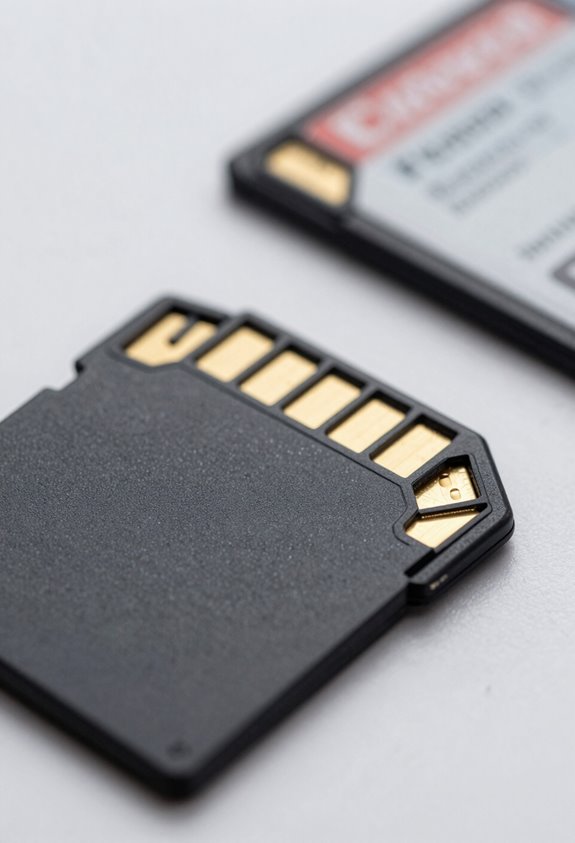
Hey there! Let’s chat about SD card corruption—it’s one of those tech headaches we all dread. Basically, SD card corruption happens when something goes wrong that messes up the data stored on the card. A few common culprits are physical damage, like dropping your camera with the card inside, or user mistakes, such as just yanking the card out without properly ejecting it. Even things like a sudden battery failure while writing data can cause issues.
Now, keep an eye out for signs of corruption, as catching these problems early can save your important files. For instance, if your device doesn’t recognize the card or shows error messages when you try to take or access photos, that’s a red flag. Also, if you notice that files seem to disappear or their sizes change unexpectedly, you might have a serious issue on your hands. Taking quick action—like trying to recover the data with recovery software or using a different device to check the card—can really help. For creators using 4K UHD camcorders, ensuring your card’s dual SD slots are functioning properly can prevent data loss during extended recording sessions.
How to Properly Format Your SD Card
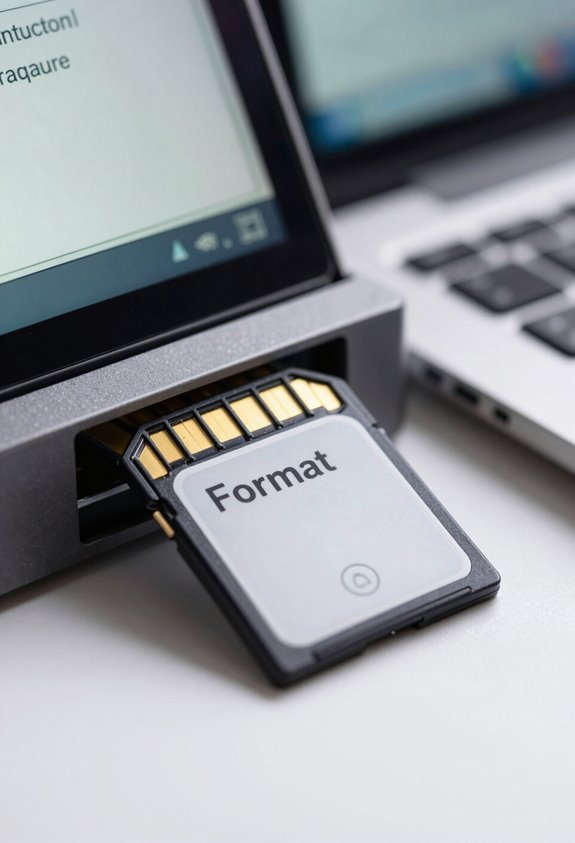
Hey! Let’s chat about SD card formatting because it’s super important for keeping your data safe and sound. Understanding why SD cards can get corrupted and how to prevent it is the first step. One of the best things you can do is to format your SD card correctly, and here’s the kicker: it’s best to format it in the camera you’re going to use it with. This way, you ensure it aligns perfectly with that camera’s data systems.
Now, when it comes to the actual formatting, if your card is 32GB or smaller, go with FAT32. But if you have a 64GB card or larger, exFAT is the way to go. This helps your card work smoothly with your device. Just make sure to back up any important files before you start because formatting wipes everything clean – poof!
A good habit is to format your card regularly, especially after heavy use, like if you’ve taken hundreds of photos on a trip. This helps maintain the file structure and keeps your card from becoming fragmented, which can lead to data loss later on. It’s like giving your card a little tune-up! So, now that you know how to format, let’s move on to the best ways to store that data safely. For optimal protection between uses, consider using a memory card holder designed to safeguard against shocks, water, and dust.
Best Practices for Safe Usage and Storage of SD Cards
Hey there! If you want your SD cards to work well and last a long time, it’s really important to follow some simple best practices for their usage and storage. For starters, when you get a new microSD card, make sure to format it using the camera you’ll be taking pictures with. This helps set up the right file structure, which can really cut down on any potential card corruption.
Another tip is to keep your SD cards safe in shock-resistant cases. Imagine dropping your card or having it exposed to moisture and extreme temperatures—having that extra protection can save you a lot of hassle later on! Plus, always make sure to safely eject your card from computers before removing it, especially when data is being written or read. You wouldn’t want to accidentally lose any precious photos because of a quick mistake.
It’s also a good idea to check on your cards regularly and use each one at least once a year. This helps keep everything functioning smoothly. Oh, and if you dedicate specific cards to specific cameras, you won’t have to worry as much about compatibility issues. It’s all about making things easier, so you can focus on capturing those amazing moments! Speaking of amazing moments, let’s chat about some tips for preserving those wonderful memories.
For optimum protection, consider storing your SD cards in cases that offer crushproof and watertight protection, safeguarding them from physical damage and moisture.
Maintaining Your SD Card’s Health: Essential Tips
Hey! You know how we often just toss our SD cards around without a second thought? Well, keeping our SD cards healthy is super important to make sure our data stays safe and easily accessible. One of the best tips I can share is to always format your SD card in the camera instead of on your computer. This way, the card’s data structure stays intact, which helps prevent those annoying file corruption issues.
Before you hit that format button, though, don’t forget to back up anything important. Formatting wipes everything clean, so you want to keep your precious pictures or videos safe. And speaking of keeping things clean, regularly check the metal contacts on your SD card. A quick wipe with a little isopropyl alcohol can really improve the connection.
To help your SD cards last longer, steer clear of really hot or humid places. Even just putting your card in your pocket while hiking can subject it to fluctuations in temperature. It’s a good idea to keep an eye on their overall health and maybe think about replacing them every couple of years if you’re using them frequently. This simple approach can save you from unexpected data loss down the road. So, why not take a little time to care for your cards today? It’s all about keeping those professional audio enhancements safe!
How to Fix Your SD Card When It’s Acting Up?
Hey there! You know how sometimes our SD cards just decide to act up? It can be so frustrating, especially when you’re trying to access those important photos or files. The first thing I’d suggest is to have a quick look at the card itself. Check for any physical damage—like cracks or corrosion on the connectors. Those could be signs that something’s gone wrong. If everything looks good, try plugging it into different USB ports or even use another device. This can help you figure out if the problem lies with the card itself or the device you’re using.
Now, if your SD card seems corrupted, don’t lose hope just yet! There are data recovery software options, like Disk Drill, that can help you recover those lost files. It’s pretty user-friendly too—just follow their prompts, and you might get your important files back. If you’re still facing issues, you can run the CHKDSK command on Windows. This handy tool checks for any logical errors on your card and can repair things like bad sectors or messed-up files.
And here’s a little tip: regularly formatting your SD card in the camera you use it with can keep it in great shape. This simple step helps maintain its structure and dramatically reduces the chances of future corruption. So, it’s definitely worth adding to your routine! For uninterrupted device performance, always ensure you use compatible power cables when charging or accessing devices. Got any more questions about SD cards or tech stuff?
Frequently Asked Questions
How to Prevent Your SD Card From Corrupting?
To prevent our SD card from corrupting, we should implement robust data backup strategies, guarantee card compatibility by reformatting for each device, and follow usage best practices like safely ejecting the card after each session.
Does Formatting an SD Card Fix Corruption?
Yes, formatting an SD card can help fix corruption. By prioritizing SD card maintenance and recognizing corruption indicators, we can explore various formatting options to restore functionality, ensuring our data remains safer and more accessible.
How to Fix SD Card Corrupting Files?
To fix an SD card corrupting files, we should focus on SD card recovery tools and check the file system for errors. Ensuring data integrity is essential, so let’s inspect and format the card appropriately.
How to Tell if an SD Card Is Corrupted?
We often see signs of malfunction when an SD card’s not recognized, shows errors, or loses files unexpectedly. To guarantee SD card longevity, we should regularly check for these symptoms and explore data recovery methods if needed.


